Download AURIX
Get Your Personal AI Assistant Today

Choose your platform and start using AURIX

Available Downloads

🖥️

Windows

Windows 10 & 11 (64-bit)

🍎

macOS

macOS 11+ (Intel & Apple Silicon)

🐧

Linux

Ubuntu 20.04+ & Debian

System Requirements

Installation Instructions

📥 1. Download Aurix

  • • Click Download for Windows on the Aurix website.
  • • Save aurixlauncher.exe to your PC.
Download Step
Installer Step

⚙️ 2. Run the Installer

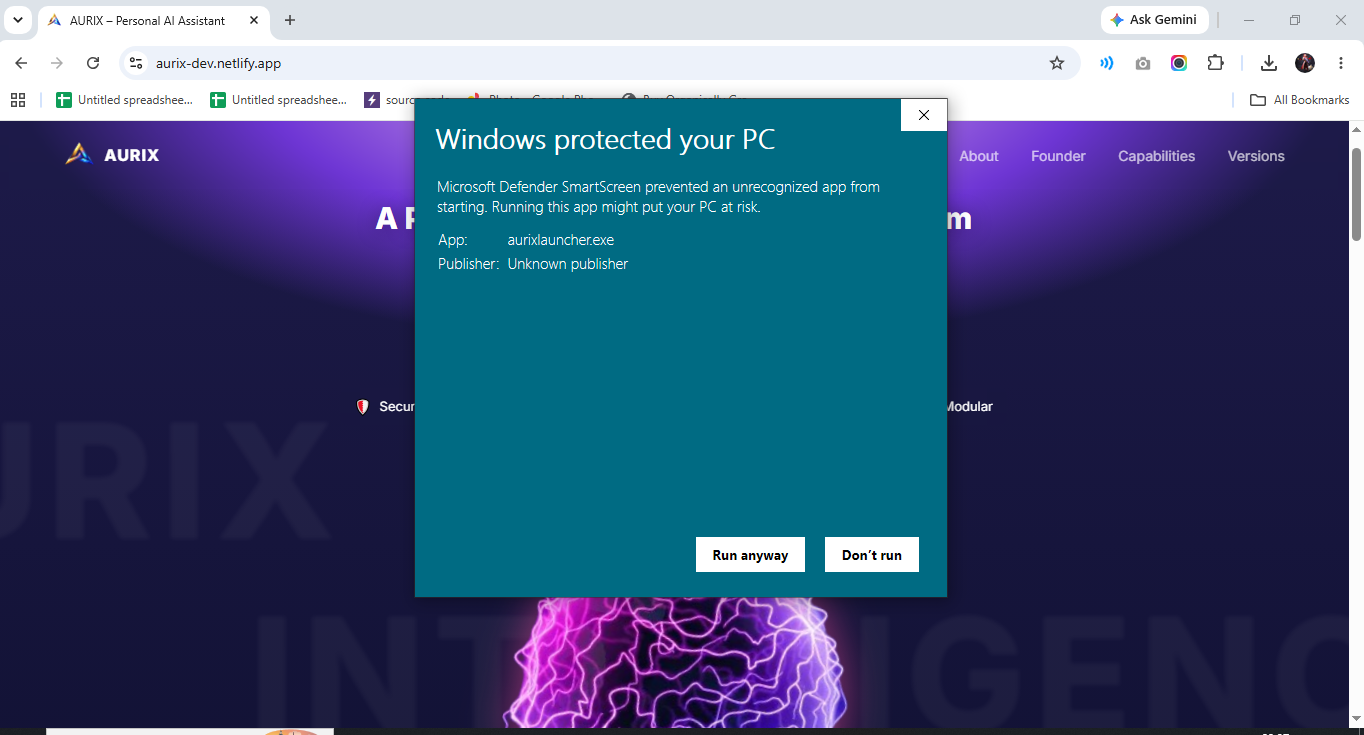
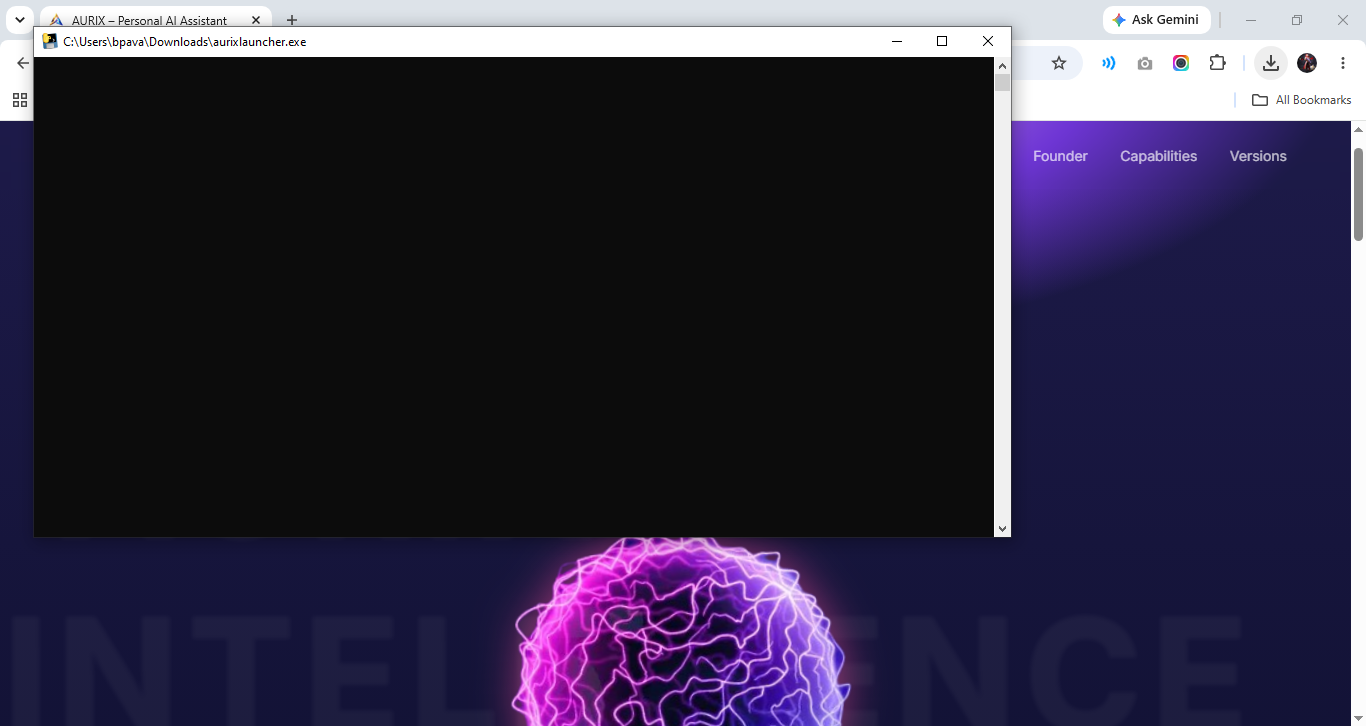
  • • Double-click aurixlauncher.exe.
  • • If Windows shows "Windows protected your PC", click More infoRun anyway.

✅ 3. Complete Installation

  • • Aurix Launcher will automatically download and install the required files.
  • • Wait for the setup to finish.
  • • Launch Aurix from the Desktop shortcut or Start Menu.
Completion Step